Clean Your Mac In Seconds
MacBroom finds and removes hidden junk files, caches, and clutter — so your Mac runs like new. Fast, safe, and effortless.
Everything You Need
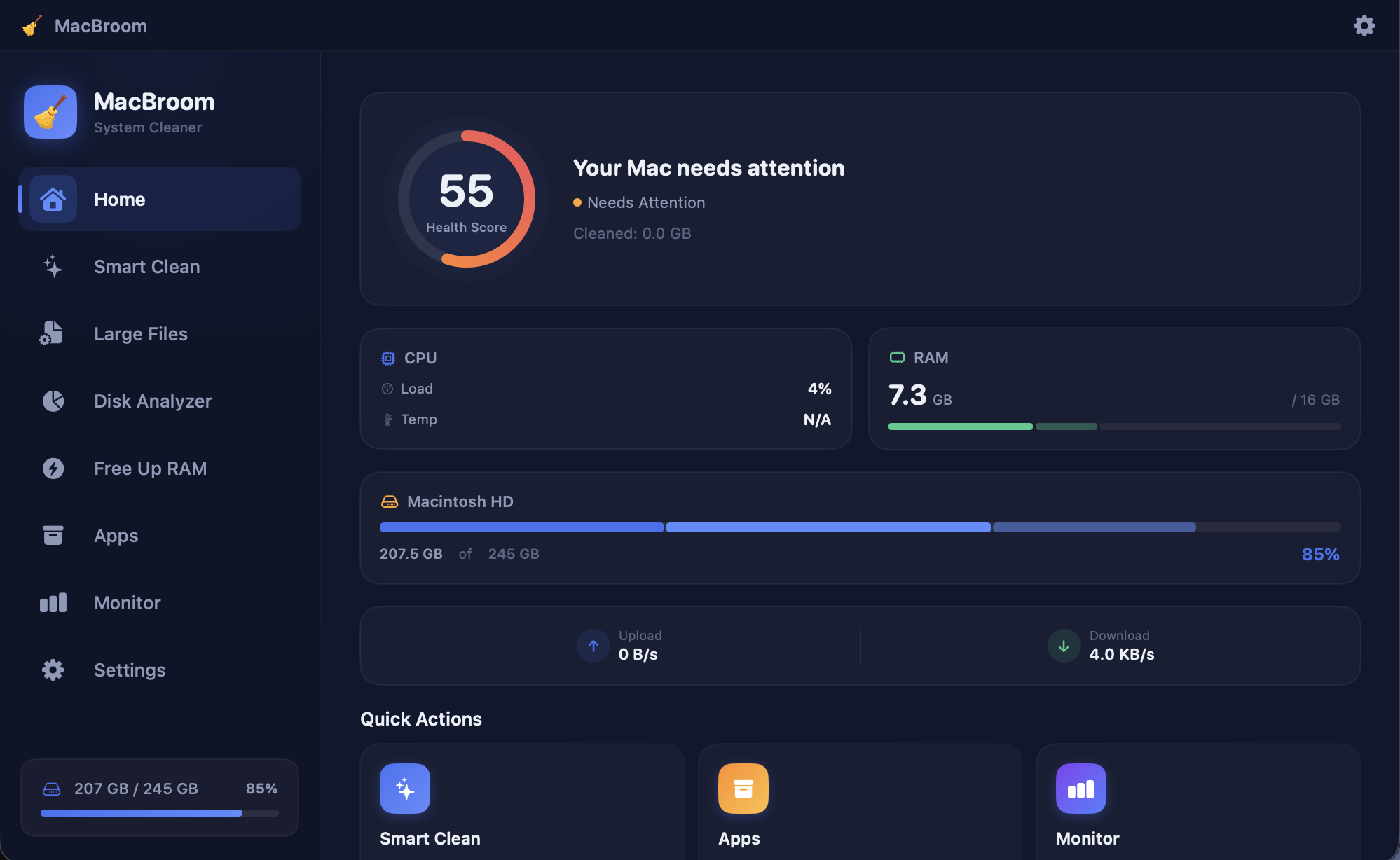
Powerful tools designed for macOS, with a beautiful native interface.
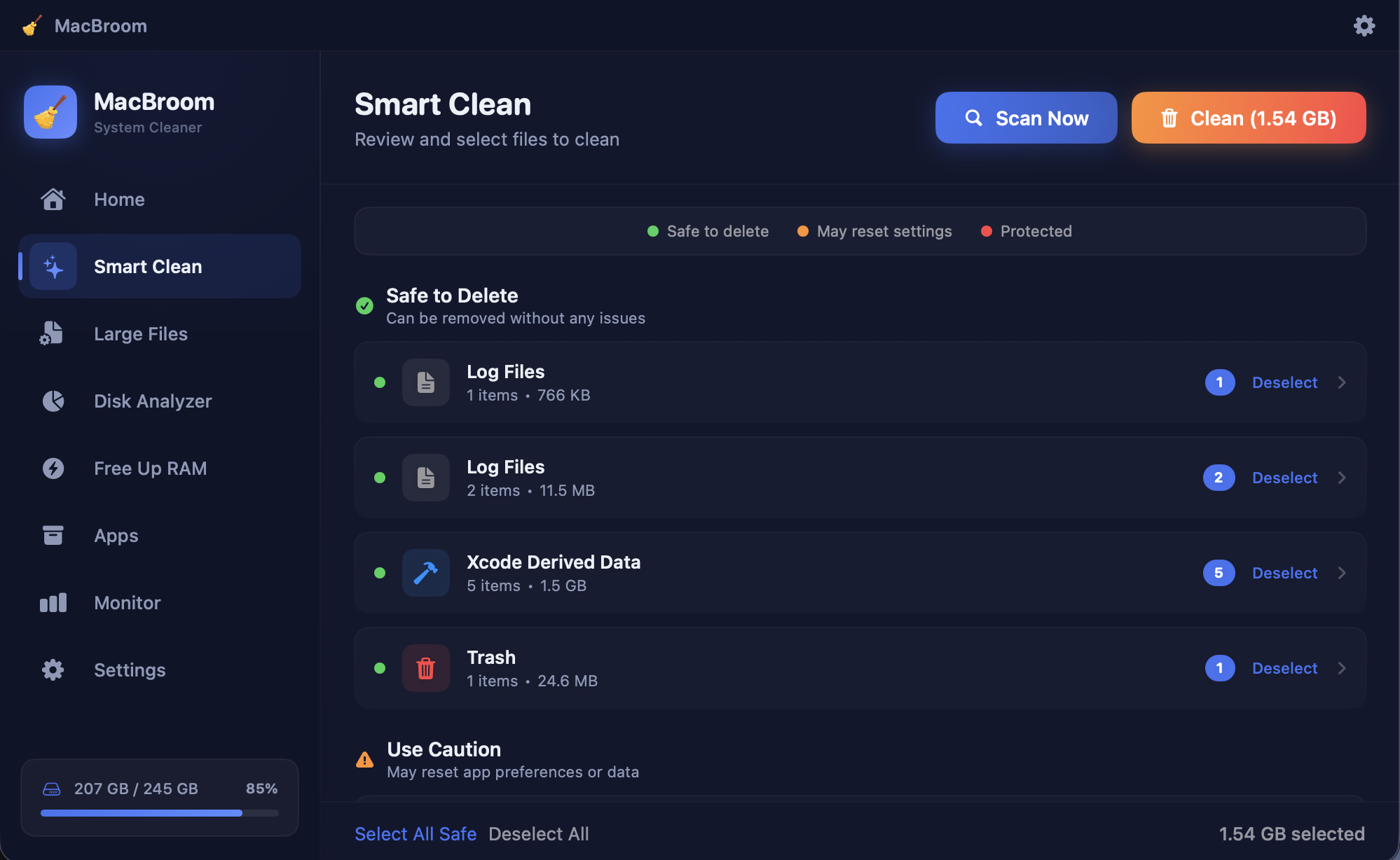
Smart Clean
One-click scan finds junk files, cache, logs, and temporary data across your entire system.
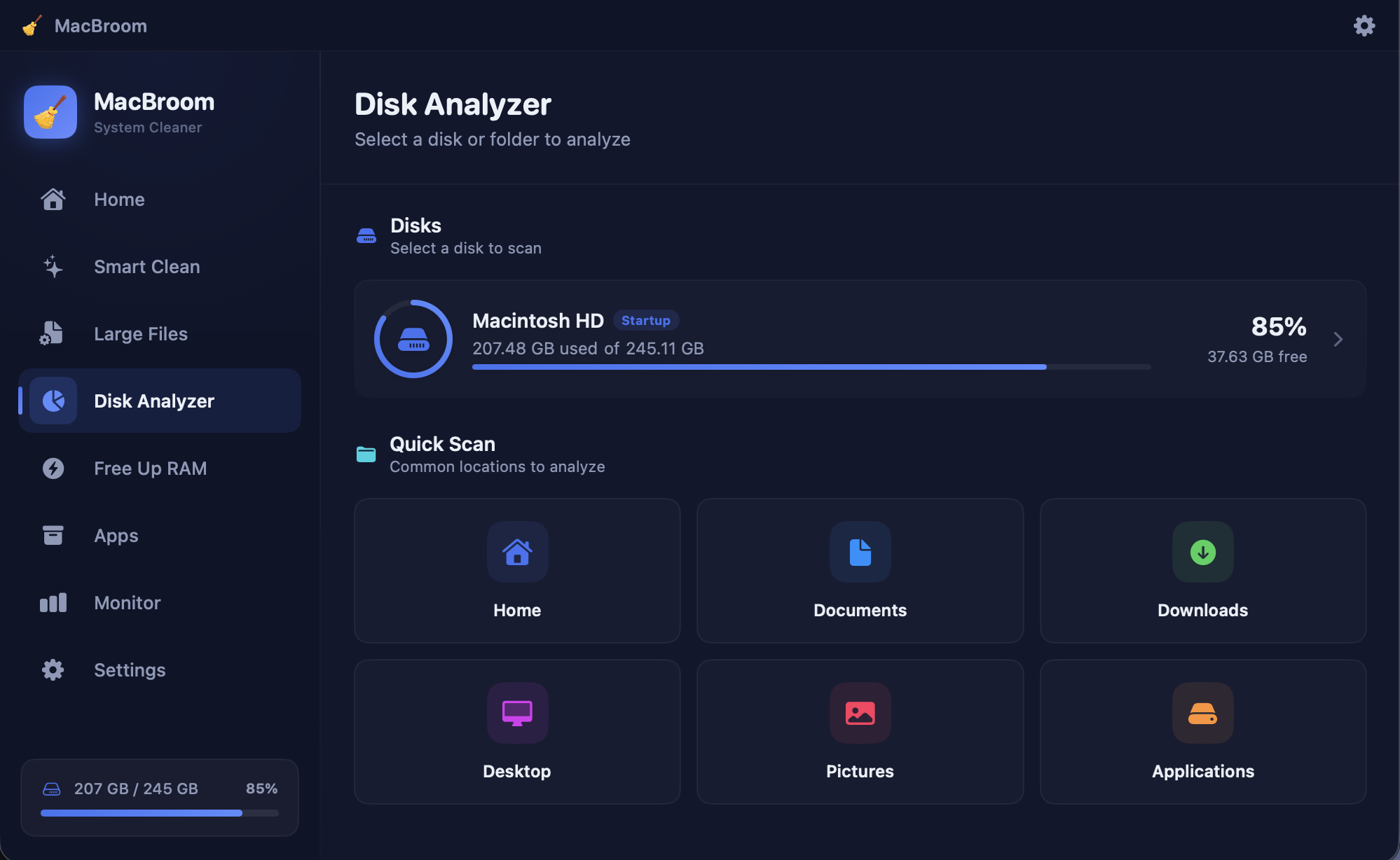
Disk Analyzer
Visual breakdown of your disk usage. See exactly what's taking up space with an interactive map.
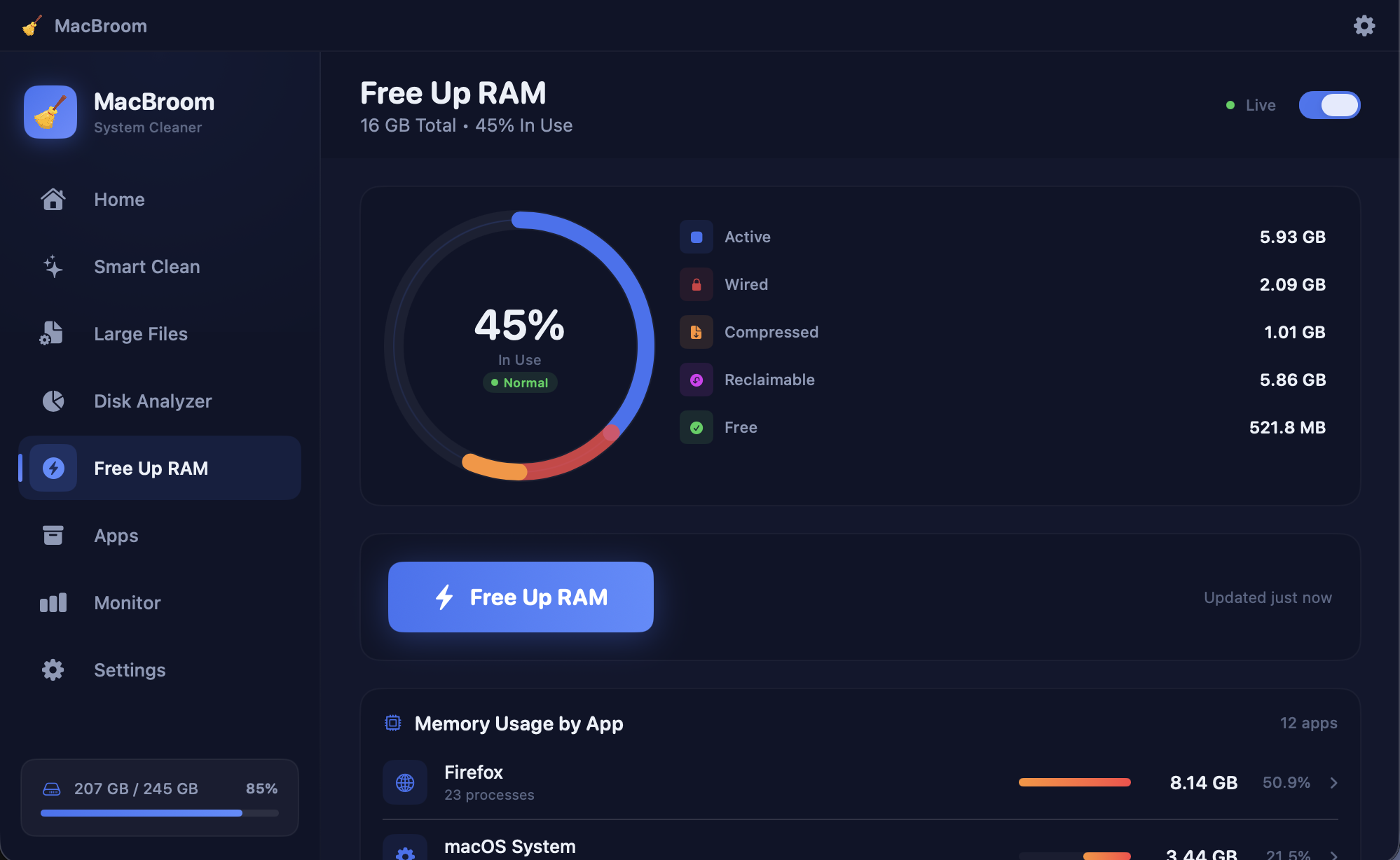
Free Up RAM
Free up memory instantly with one click. Monitor RAM usage and optimize performance in real-time.
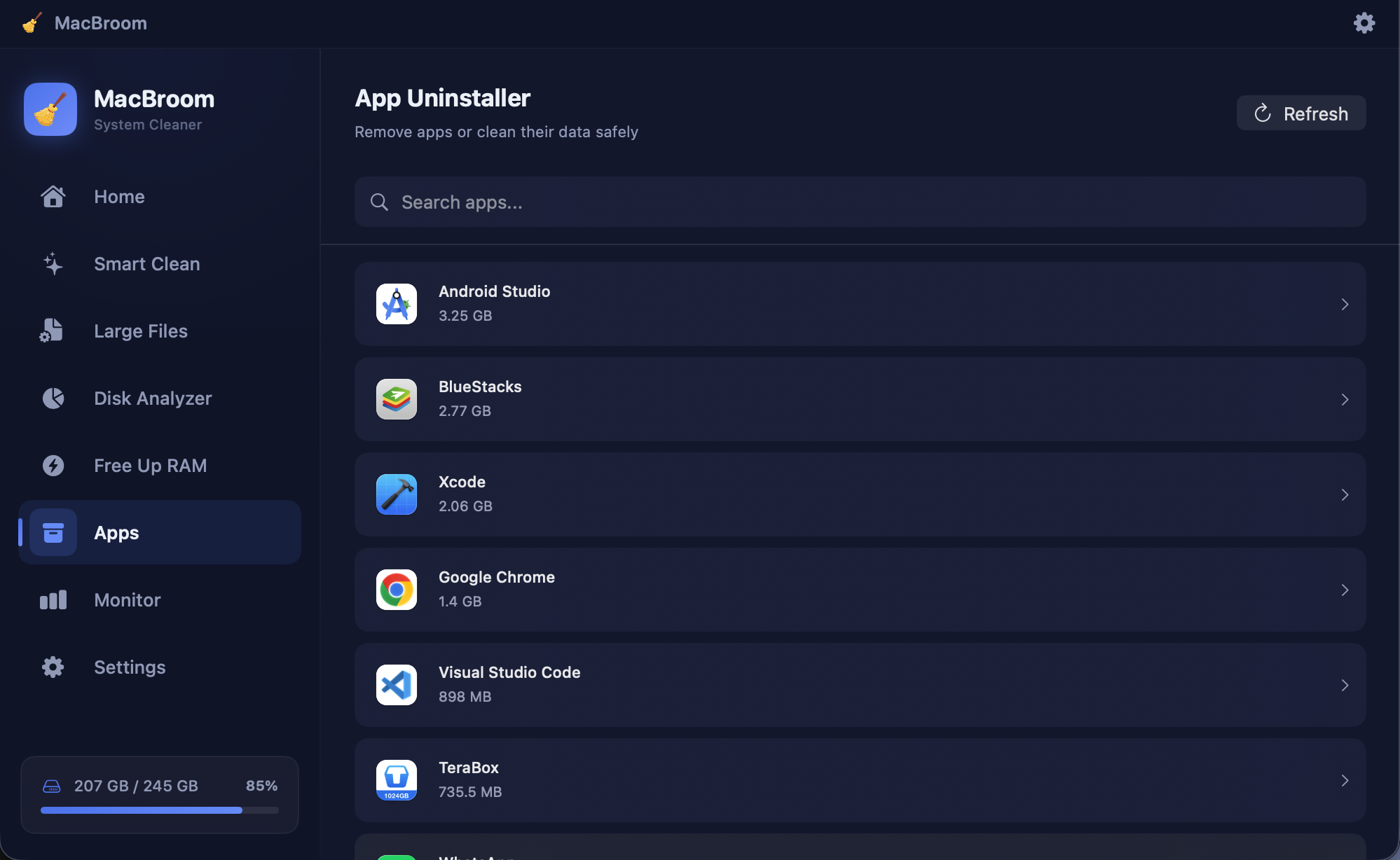
App Uninstaller
Completely remove apps with all their associated files — cache, preferences, and support files.
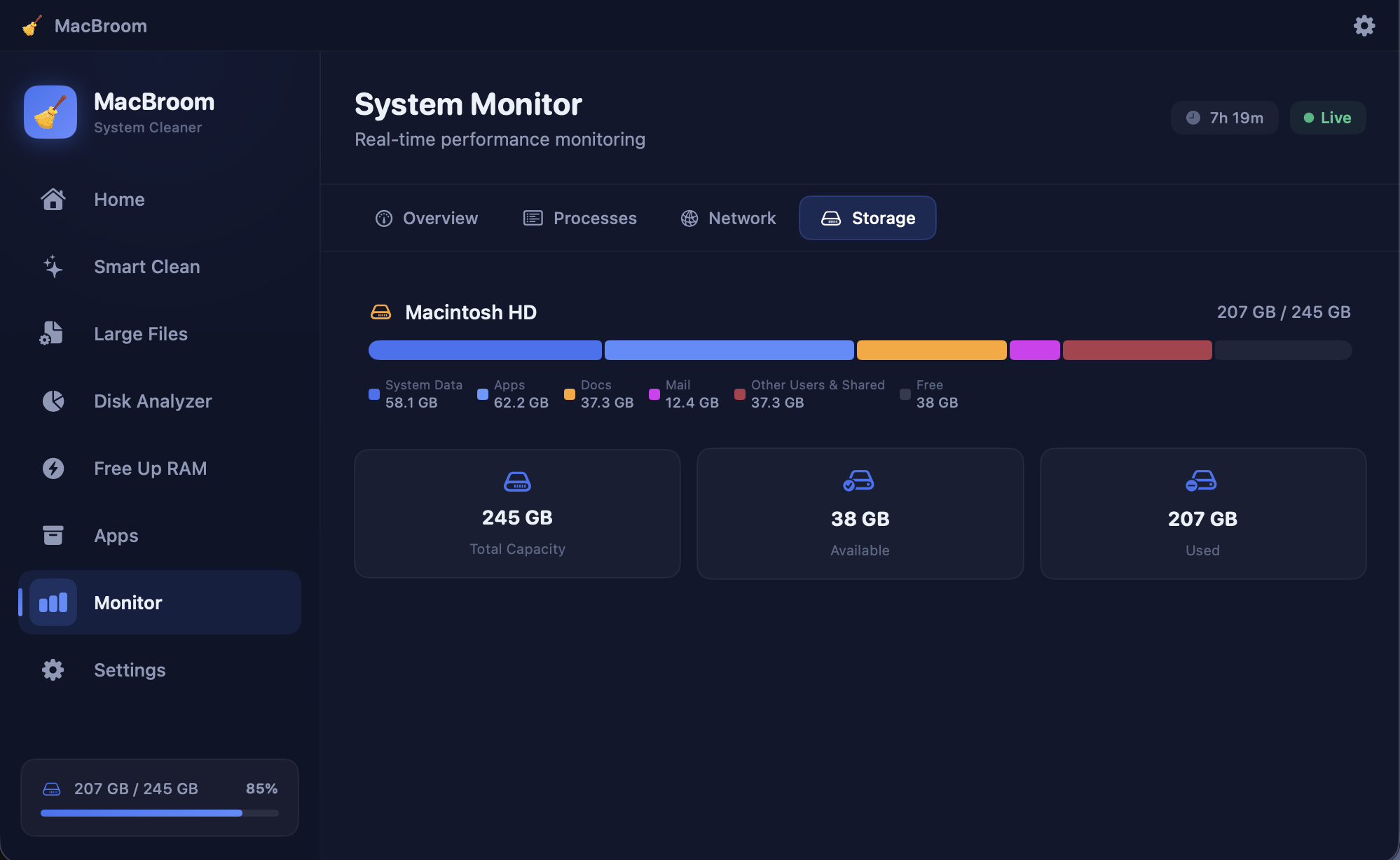
System Monitor
Real-time CPU, RAM, and network monitoring with beautiful charts and live Menu Bar stats.
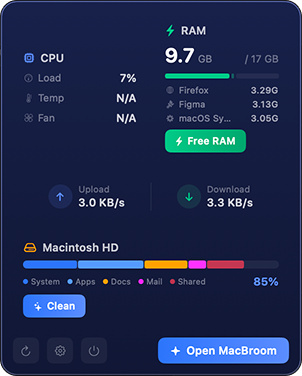
Native macOS Experience
Built with Swift and SwiftUI for the best performance and smallest footprint. Pure native code.
Storage Analyzer
Safe & Secure
Trash Manager
Simple, Transparent Pricing
Start free, upgrade when you're ready. Cancel anytime.
Free
Basic cleaning for everyday use
- System scan (view only)
- Health score monitoring
- Menu Bar stats (CPU, RAM, Network)
- Storage overview
Pro
Full cleaning power, no limits
- Everything in Free, plus:
- Smart Clean — remove junk files
- App Uninstaller — full removal
- Trash Manager
- Real-time System Monitor
- Priority support
- Lifetime updates
- 1 device
Get MacBroom Now
Free to download. Unlock Pro features anytime with a license key.

MacBroom
Version latest · macOS 13+ · Universal Binary
Download for MacFrequently Asked Questions
Absolutely. MacBroom uses a three-level safety system: safe, caution, and unsafe. Protected system files are never touched. All deletions go to Trash first.
MacBroom is built with native Swift and SwiftUI — no Electron, no web wrapper. It's faster and lighter. Choose from monthly, yearly, or lifetime plans.
The Pro license includes access to all features and updates. Available as monthly, yearly, or lifetime plans. One license per device.
Yes! Contact support with your license key and we'll deactivate it from the old device so you can use it on a new one.
Yes, MacBroom is built as a universal binary and works natively on both Apple Silicon and Intel Macs running macOS 13 or later.
The free version includes system scanning and monitoring. You can see what needs cleaning before deciding to purchase Pro.
After purchase, you'll receive your license key instantly by email. You can also find it in your account dashboard on our website.